🚀 Create your next AI video — bring your ideas to life.
Flux 3 Image: Control every pixel
Turn ideas into carefully composed visuals.
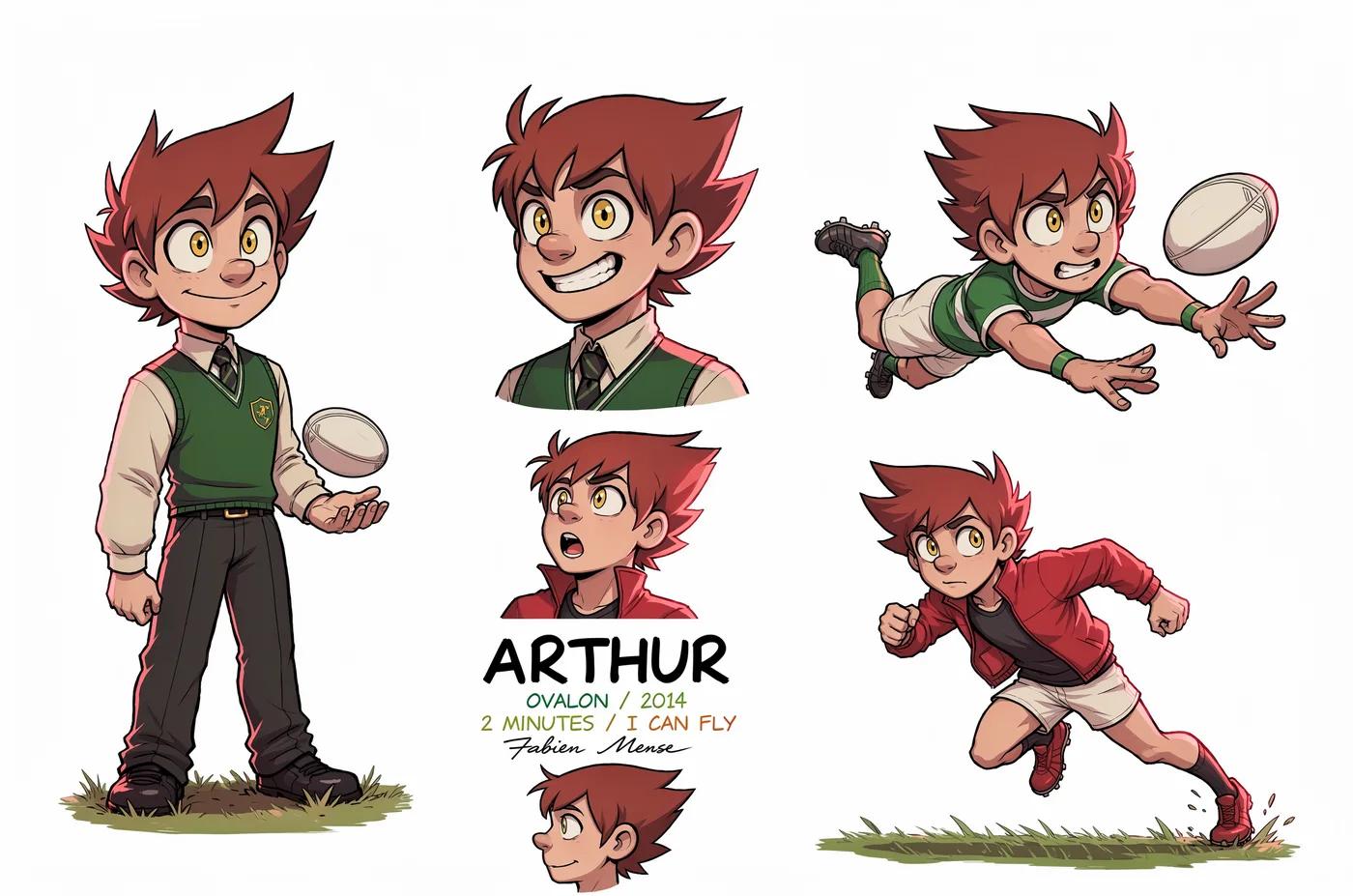
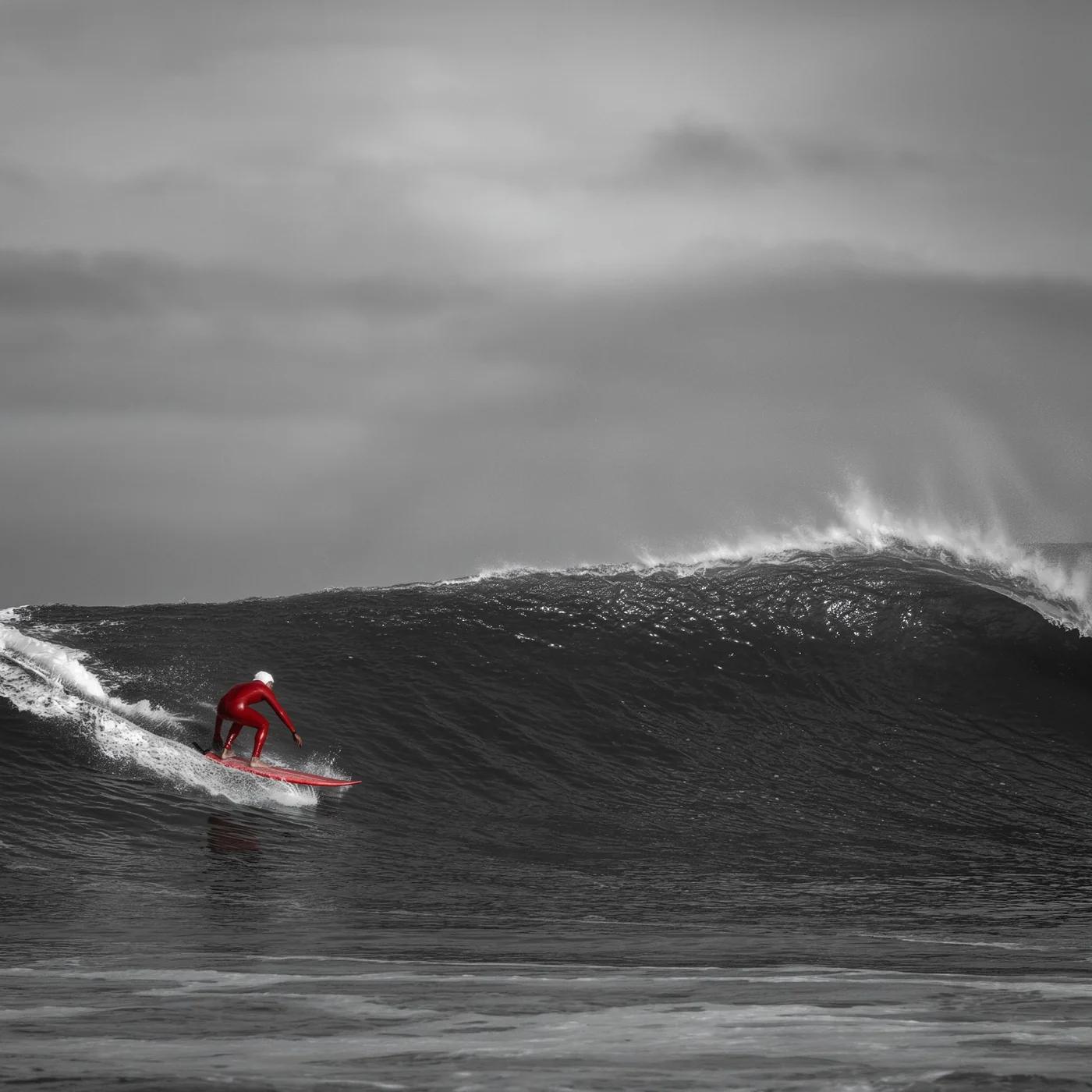
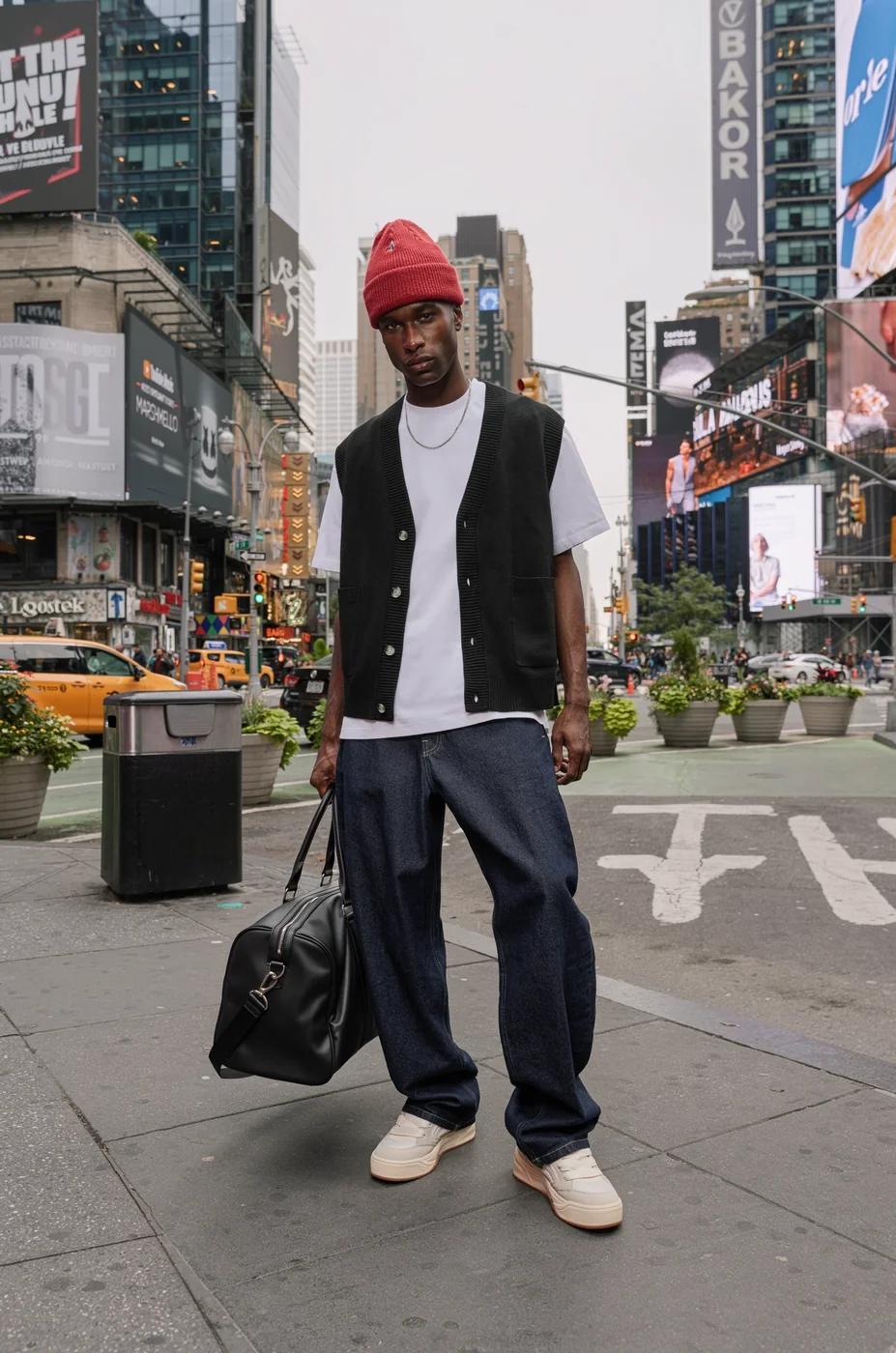
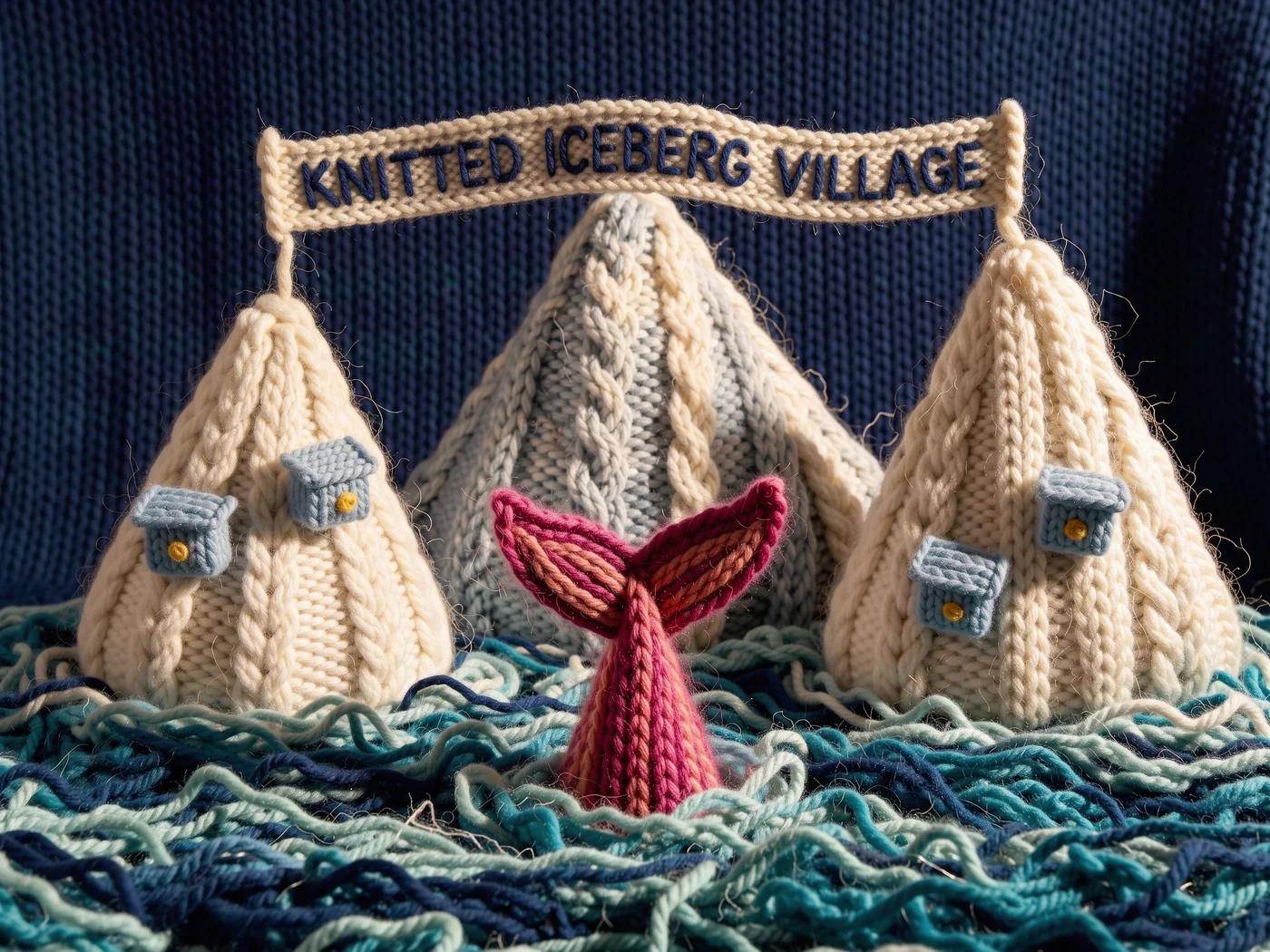
Create product scenes, editorial layouts, campaign visuals, and character compositions with the available image models. Featured source imagery: Black Forest Labs.
Transform this image into a classic Tex Avery / Looney Tunes cartoon style. Use bold, clean outlines and exaggerated character features — huge eyes, stretched limbs, and over-the-top facial expressions. Emphasize slapstick comedy and visual humor. Colors should be vibrant and flat, with high contrast. Backgrounds should be simple, painted with soft gradients or flat colors, keeping focus on the character's action. Add motion lines, expressive effects (like sweat drops, stars, impact bursts), and a dynamic pose typical of 1940s Warner Bros. animation. The final result should look like a freeze frame from a mid-century animated short — full of cartoon energy and absurd charm.
Transform this image into a classic Tex Avery / Looney Tunes cartoon style. Use bold, clean outlines and exaggerated character features — huge eyes, stretched limbs, and over-the-top facial expressions. Emphasize slapstick comedy and visual humor. Colors should be vibrant and flat, with high contrast. Backgrounds should be simple, painted with soft gradients or flat colors, keeping focus on the character's action. Add motion lines, expressive effects (like sweat drops, stars, impact bursts), and a dynamic pose typical of 1940s Warner Bros. animation. The final result should look like a freeze frame from a mid-century animated short — full of cartoon energy and absurd charm.
16:9 · SOURCE
Summer Dopamine Fresh StyleVerified prompt
tain the character's facial features and hairstyle. Summer dopamine fresh style, vertical collage. The model wears bright swimwear or beachwear, with colorful hair clips, holding a slice of bright red watermelon or a glass of sparkling iced drink. Cute stickers in the shape of "water droplets" and "sun" are pasted on the face. The background features fresh pool-blue tiles with a sparkling water surface effect. Hand-drawn doodles include swim rings, palm trees, and sunglasses. Surrounded by several photos with film negative borders. Sunny natural lighting, high definition, refreshing and energetic feel.
tain the character's facial features and hairstyle. Summer dopamine fresh style, vertical collage. The model wears bright swimwear or beachwear, with colorful hair clips, holding a slice of bright red watermelon or a glass of sparkling iced drink. Cute stickers in the shape of "water droplets" and "sun" are pasted on the face. The background features fresh pool-blue tiles with a sparkling water surface effect. Hand-drawn doodles include swim rings, palm trees, and sunglasses. Surrounded by several photos with film negative borders. Sunny natural lighting, high definition, refreshing and energetic feel.
9:16 · SOURCE
Brand Landing Page - Close-Up of Young Woman After ExerciseVerified prompt
Create a closeup face of a young woman after a workout, sweaty, deep blue eyes, with a bit of blurred gym background on the left side of the photo, 5:3 proportions, she's looking right at the camera, some freckles and messy hair, beautiful, editorial
Create a closeup face of a young woman after a workout, sweaty, deep blue eyes, with a bit of blurred gym background on the left side of the photo, 5:3 proportions, she's looking right at the camera, some freckles and messy hair, beautiful, editorial
16:9 · SOURCE
Mosaic Style Photo ConversionVerified prompt
sform this image into a refined low-poly mosaic style. Preserve the original structure and recognizable details, especially facial features and contours. Use small, high-density polygons to maintain clarity and identity while creating a crystalline, faceted look. Keep the original color palette for a harmonious and natural aesthetic. Avoid altering or adding new elements.
sform this image into a refined low-poly mosaic style. Preserve the original structure and recognizable details, especially facial features and contours. Use small, high-density polygons to maintain clarity and identity while creating a crystalline, faceted look. Keep the original color palette for a harmonious and natural aesthetic. Avoid altering or adding new elements.
16:9 · SOURCE
Newsboy Cap with Black VestVerified prompt
100% face above uploaded photo.
A hyper-realistic, cinematic medium shot of a handsome man in his late 20s with black hair and black beard like uploaded photo, styled in the fashion of the 1920s. He wears a grey tweed newsboy cap, a black waistcoat over a crisp white shirt, a slim black tie, and black leather gloves. A heavy wool overcoat is draped over his shoulder.
He leans against a weathered brick wall in a narrow, atmospheric alleyway, looking upwards with a cool, contemplative expression through his round sunglasses. The lighting is moody and dramatic, with cool tones and soft shadows creating a sense of depth and mystery. The photograph is ultra-detailed with sharp focus and a shallow depth of field.
100% face above uploaded photo.
A hyper-realistic, cinematic medium shot of a handsome man in his late 20s with black hair and black beard like uploaded photo, styled in the fashion of the 1920s. He wears a grey tweed newsboy cap, a black waistcoat over a crisp white shirt, a slim black tie, and black leather gloves. A heavy wool overcoat is draped over his shoulder.
He leans against a weathered brick wall in a narrow, atmospheric alleyway, looking upwards with a cool, contemplative expression through his round sunglasses. The lighting is moody and dramatic, with cool tones and soft shadows creating a sense of depth and mystery. The photograph is ultra-detailed with sharp focus and a shallow depth of field.
“[Product Name]” placed at the center in full photorealism, surrounded by surreal vector illustrations using exactly two bold, vibrant colors that match the product’s mood.
The scene is minimalistic yet energetic, with abstract vector shapes (symbols, lines, expressions, etc.) orbiting or interacting with the product.
Add the real logo clearly and integrate a short 3–4 word slogan at the bottom.
Style: surreal, high-resolution, minimal, cinematic lighting, 1:1 aspect ratio.
“[Product Name]” placed at the center in full photorealism, surrounded by surreal vector illustrations using exactly two bold, vibrant colors that match the product’s mood.
The scene is minimalistic yet energetic, with abstract vector shapes (symbols, lines, expressions, etc.) orbiting or interacting with the product.
Add the real logo clearly and integrate a short 3–4 word slogan at the bottom.
Style: surreal, high-resolution, minimal, cinematic lighting, 1:1 aspect ratio.
1:1 · SOURCE
Vintage Mirror Selfie Photo EditVerified prompt
Edit this photo without changing the face into an ultra-realistic mirror selfie of a beautiful young woman with bright porcelain fair skin, glowing complexion, light grey-green contacts, peach shimmer glitter eyeshadow, winged liner, voluminous lashes, pink blush, glossy pink-red gradient lipstick. Layered silver chain necklace with padlock, hoop earrings, flower bracelet, rings, maroon nail art. Long golden brown voluminous waves with black ribbons. Fitted black halter top white polka dots, black mini skirt. Pose one hand holding small silver camera beside face, other on waist, leaning forward, half-body. Vintage Kodak grainy flash tone. Bedroom dark green floral wallpaper, dim warm bedside lamp on white table. 9:16.
Edit this photo without changing the face into an ultra-realistic mirror selfie of a beautiful young woman with bright porcelain fair skin, glowing complexion, light grey-green contacts, peach shimmer glitter eyeshadow, winged liner, voluminous lashes, pink blush, glossy pink-red gradient lipstick. Layered silver chain necklace with padlock, hoop earrings, flower bracelet, rings, maroon nail art. Long golden brown voluminous waves with black ribbons. Fitted black halter top white polka dots, black mini skirt. Pose one hand holding small silver camera beside face, other on waist, leaning forward, half-body. Vintage Kodak grainy flash tone. Bedroom dark green floral wallpaper, dim warm bedside lamp on white table. 9:16.
9:16 · SOURCE
Image CaptioningVerified prompt
sketch annotations on top of this image explaining the camera movement. I want it to crane up and the look down as an aerial shot
sketch annotations on top of this image explaining the camera movement. I want it to crane up and the look down as an aerial shot
16:9 · SOURCE
Draw content in a notebook-paper styleVerified prompt
Draw [VISUAL] as if created by a cheerful 6-year-old on white notebook paper. Use chunky wax-crayon strokes, wobbly outlines, and simple flat shapes. Colors should be bright, bold, and slightly outside the lines, with visible pressure marks and small smudges. Perspective is innocent: objects can float, and size is based on importance, not realism. Faces are dots with curved smiles; hands are mitten blobs; animals are round and friendly. Add playful extras like a sun in a corner, puffy clouds, stars, and hearts. Include uneven scribble shading, a few tiny doodles in the margins, and one or two hand-written labels in childlike spelling.
Draw [VISUAL] as if created by a cheerful 6-year-old on white notebook paper. Use chunky wax-crayon strokes, wobbly outlines, and simple flat shapes. Colors should be bright, bold, and slightly outside the lines, with visible pressure marks and small smudges. Perspective is innocent: objects can float, and size is based on importance, not realism. Faces are dots with curved smiles; hands are mitten blobs; animals are round and friendly. Add playful extras like a sun in a corner, puffy clouds, stars, and hearts. Include uneven scribble shading, a few tiny doodles in the margins, and one or two hand-written labels in childlike spelling.
16:9 · SOURCE
Gumroad Style IconVerified prompt
Create a high-resolution illustration of a [OBJECT] icon in the style of a flat, outlined sticker graphic. The icon should be made entirely from very thin, solid black outlines with no interior fill. Add a bold, soft-edged sticker-style contour around the icon using a flat, vibrant [YELLOW, BLUE, OR PINK] color. The result should look like a cartoon-style icon cut from black paper, outlined by a bright color. Do not use any white or filled shapes inside. No gradients, no shadows, no textures. Vector-friendly. Black background. Square aspect ratio.
Create a high-resolution illustration of a [OBJECT] icon in the style of a flat, outlined sticker graphic. The icon should be made entirely from very thin, solid black outlines with no interior fill. Add a bold, soft-edged sticker-style contour around the icon using a flat, vibrant [YELLOW, BLUE, OR PINK] color. The result should look like a cartoon-style icon cut from black paper, outlined by a bright color. Do not use any white or filled shapes inside. No gradients, no shadows, no textures. Vector-friendly. Black background. Square aspect ratio.
1:1 · SOURCE
Gradient Extrude Google I/O 2025 VisualsVerified prompt
xture this image in the following JSON style aesthetic:
{
"styleAesthetic": {
"title": "Isometric Multicolor Extrusion with Grid Control",
"overallVibe": "Playful modern 3D iconography with directional extrusion and dynamic isometric grids",
"viewAngle": {
"type": "Isometric",
"facingDirection": "right", // options: left, right, front
"rotationDegrees": {
"x": 30,
"y": 30
}
},
"renderingStyle": "Clean 3D extruded vector with soft lighting and high contrast between faces",
"objectSurface": {
"frontFace": {
"color": "#ffffff",
"material": "Matte white plastic",
"lighting": "Soft diffuse"
},
"extrudedSide": {
"type": "Multicolor gradient",
"gradientStyle": "Diagonal sweep",
"colorStops": [
"#ff0040", "#ff8000", "#ffff00", "#00ff90", "#00cfff", "#8000ff"
],
"material": "Glossy plastic",
"lighting": "Ambient with light falloff"
}
},
"extrusion": {
"direction": "right", // determines which side is extruded: left, right, front
"depth": "moderate"
},
"shadows": {
"type": "Drop shadow",
"direction": "bottom-right",
"opacity": 0.15,
"blurRadius": "6px"
},
"background": {
"type": "Isometric grid",
"color": "#ffffff",
"gridStyle": {
"lineColor": "#e0e0e0",
"lineWeight": "1px",
"orientation": "opposite-extrusion" // automatically flips grid lines to oppose the extrusion direction
}
},
"moodKeywords": [
"Dimensional",
"Clean",
"Geometric",
"Colorful",
"Tactile",
"Structured"
]
}
}
xture this image in the following JSON style aesthetic:
{
"styleAesthetic": {
"title": "Isometric Multicolor Extrusion with Grid Control",
"overallVibe": "Playful modern 3D iconography with directional extrusion and dynamic isometric grids",
"viewAngle": {
"type": "Isometric",
"facingDirection": "right", // options: left, right, front
"rotationDegrees": {
"x": 30,
"y": 30
}
},
"renderingStyle": "Clean 3D extruded vector with soft lighting and high contrast between faces",
"objectSurface": {
"frontFace": {
"color": "#ffffff",
"material": "Matte white plastic",
"lighting": "Soft diffuse"
},
"extrudedSide": {
"type": "Multicolor gradient",
"gradientStyle": "Diagonal sweep",
"colorStops": [
"#ff0040", "#ff8000", "#ffff00", "#00ff90", "#00cfff", "#8000ff"
],
"material": "Glossy plastic",
"lighting": "Ambient with light falloff"
}
},
"extrusion": {
"direction": "right", // determines which side is extruded: left, right, front
"depth": "moderate"
},
"shadows": {
"type": "Drop shadow",
"direction": "bottom-right",
"opacity": 0.15,
"blurRadius": "6px"
},
"background": {
"type": "Isometric grid",
"color": "#ffffff",
"gridStyle": {
"lineColor": "#e0e0e0",
"lineWeight": "1px",
"orientation": "opposite-extrusion" // automatically flips grid lines to oppose the extrusion direction
}
},
"moodKeywords": [
"Dimensional",
"Clean",
"Geometric",
"Colorful",
"Tactile",
"Structured"
]
}
}
1:1 · SOURCE
Woman 3D Digital IllustrationVerified prompt
A hyper-realistic 3D digital illustration of a woman with her natural facial features, hairstyle, and skin tone unchanged, styled in a Pixar-inspired cinematic look. She is smiling warmly while leaning through a glowing orange rectangular frame, both hands gently holding the edge of the frame. She wears a denim jacket layered over a black top, subtle jewelry, and a smartwatch on her wrist. The lighting is soft yet vibrant, highlighting facial depth, realistic fabric texture, and warm glow reflections on her face and hands. The background is softly blurred, creating a cinematic atmosphere with a perfect blend of realism, warmth, and Pixar-style charm.
A hyper-realistic 3D digital illustration of a woman with her natural facial features, hairstyle, and skin tone unchanged, styled in a Pixar-inspired cinematic look. She is smiling warmly while leaning through a glowing orange rectangular frame, both hands gently holding the edge of the frame. She wears a denim jacket layered over a black top, subtle jewelry, and a smartwatch on her wrist. The lighting is soft yet vibrant, highlighting facial depth, realistic fabric texture, and warm glow reflections on her face and hands. The background is softly blurred, creating a cinematic atmosphere with a perfect blend of realism, warmth, and Pixar-style charm.
1:1 · SOURCE
Explore Image Creation Workflows
Start with a visual brief, edit an image with a supported model, or browse the Prompt Showcase for ideas.
Flux 3 Image brings image generation, supported image editing, and prompt examples into one creative workspace for designers, e-commerce teams, and marketers.
Describe the subject, composition, lighting, and style. Choose an available model, review the credit cost, and inspect your result in History.
Image Creation|Visual Composition|Image Editing|Creative Direction
Four Ways to Shape a Visual Idea
Campaign Visuals with a Clear Composition
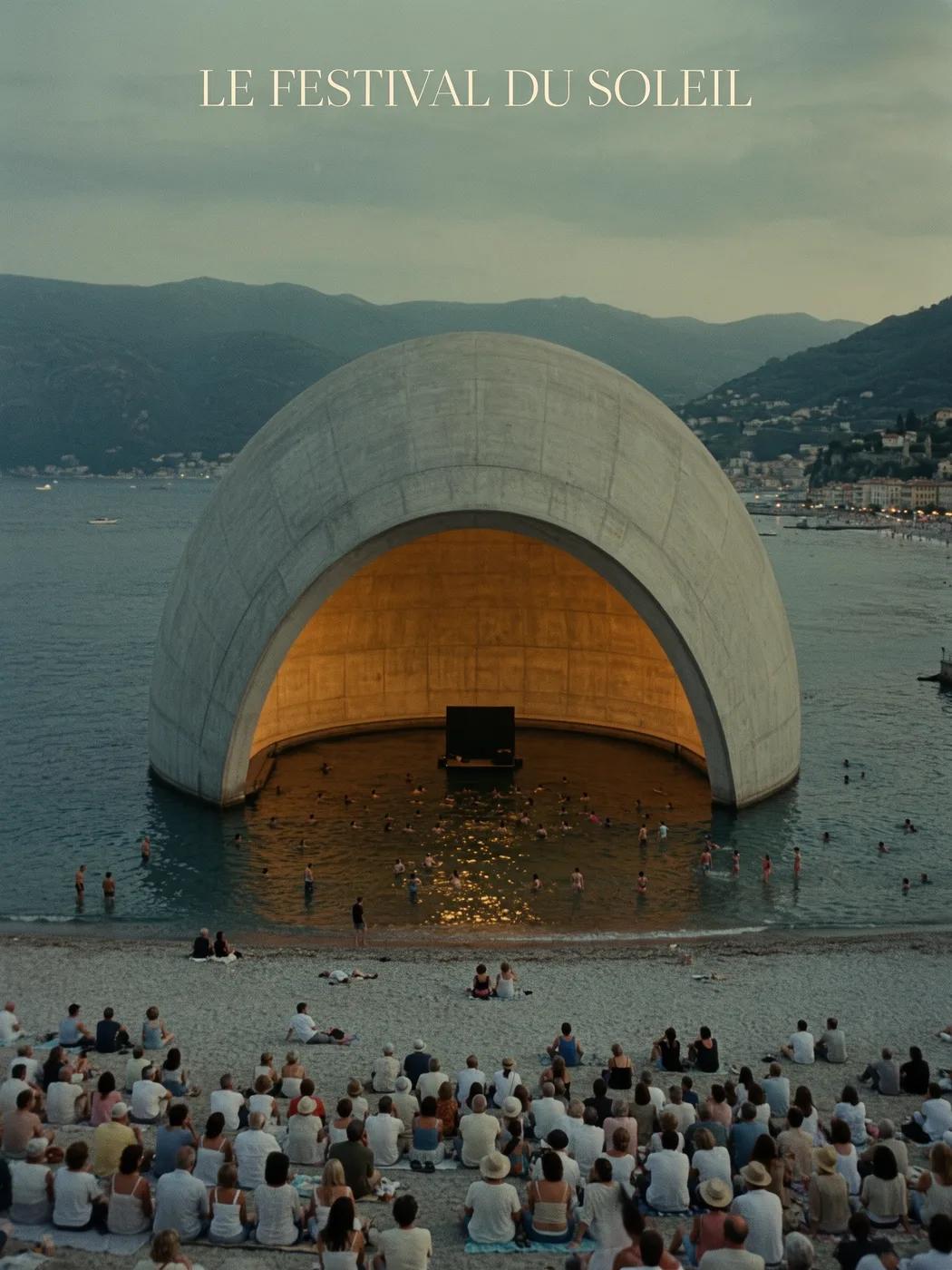
Study the festival poster for its arrangement of image, color, and typography. For your own campaign, define the focal point and leave room for final copy. Source example: Black Forest Labs; this image was not generated on this site.
A Practical Workflow for Image Generation and Editing
Build a focused image brief and use the controls offered by your selected model. Compare the completed image with your intended composition before deciding what to change.
Describe the Image You Want
Start with a subject, setting, lighting, camera viewpoint, and style. Include layout instructions for a product scene, poster, or editorial image when they matter.
Bring a Reference When Supported
Select an editing-capable model and upload a reference you have permission to use. Accepted file types, reference limits, and editing controls are shown in the generator.
Review Settings and the Credit Cost
Choose an available aspect ratio and resolution. Review the required credits before submitting; supported settings and costs vary by model.
Explore Prompt Ideas and Published Examples
Browse published cases in the Prompt Showcase. Each case shows its actual model and prompt so you can study the result in context.
Describe, Generate, Review, and Refine
Move from a focused brief to a reviewed result. Keep useful versions in History and adjust one instruction at a time.
1
Describe Your Visual Brief
Write the subject, setting, composition, lighting, and style. For revisions, describe the change and the details you want to retain.
2
Choose a Model and Generate
Choose from the available image models, select supported settings, and review the required credits. Add references when the model supports image editing.
3
Review and Download Your Image
Inspect the completed image in History. Check faces, text, product details, and the overall composition before downloading or publishing it.
4
Refine the Next Version
Change one part of your prompt or use supported image editing. Compare versions so you can see which direction improves your brief.
Image Ideas for Designers, E-commerce Teams, and Marketers
Turn a specific visual idea into material for a campaign, product concept, editorial layout, or creative presentation. Review every result for its intended use.
Product Scenes
Describe a product, its environment, and lighting. Review the generated shape, labels, and materials against the real item before using it in a listing.
Campaign Visuals
Build a campaign concept around one message and a clear focal point. Leave space for final typography and check advertising claims before publishing.
Editorial Layouts
Explore image arrangements for a cover, article, or presentation. Specify composition and visual hierarchy; check any generated text separately.
Creative Presentations
Use a visual concept to communicate a direction to your team. Compare framing, palette, and lighting across versions.
Character Compositions
Describe a character, clothing, expression, and environment. Reference handling and consistency depend on the model and supported inputs.
Image Revisions
Use a supported editing model for changes to color, setting, or details. Inspect the entire image to see whether unintended elements changed.
Creative Notes for Your Next Image
“
Give the image one clear subject. Describe the setting and the details that make the brief recognizable.
Subject and Settingflux3 image creative guide
Flux 3 Image: Questions and Answers
The generator menu shows the image models currently available on this site, including supported FLUX-family models. The Flux 3 Image brand and featured BFL source examples do not mean that FLUX.3 generation is offered. Select the actual model shown in the menu.
Generation uses credits. Choose a model and supported settings to see the required credits before submitting. Visit Pricing for monthly, yearly, and one-time options.
Use flux3 image in a desktop or mobile browser to write prompts, add supported references, review History, and download completed images.
Describe the subject, setting, composition, lighting, and style. Add precise details for product materials, clothing, or layout when they matter. For edits, describe what should change.
Prompts, references, and results may be stored to process requests and provide History. Public media links can be viewed and shared by others. Read the Privacy Policy before uploading sensitive material.
The selected model determines the resolutions, aspect ratios, reference limits, and editing controls offered by the generator. Use those controls; specifications of a featured source image do not describe every available model.
Choose an editing-capable model, upload a supported image you have permission to use, and describe the revision. Inspect the result to check both your requested change and surrounding details.
Review the applicable platform and model terms for your intended use. You are responsible for rights to uploaded material, identifiable people, logos, and other third-party content.
Processing time varies with the model, settings, request, and service load. Follow the request status in History.
No. flux3 image is an independent third-party workspace. Featured homepage imagery is credited to Black Forest Labs and is separate from user-generated results in the Prompt Showcase. Original prompts are included only when verified.
More Articles
Image Creation Guides
Create Your Next Image
Describe your idea, select an available image model, and review the required credits. Inspect and download completed results from History.